NeuronForm turns real geodata into print-ready 3D models: pick a place, personalize it with texts, shapes, and map elements, and print it – or, as a studio, give your customers a configurator of their own with your logo.
Your benefits
A manufacturing engine built for exactly this job – from the first click to the finished print file.
Lightning fast at full quality
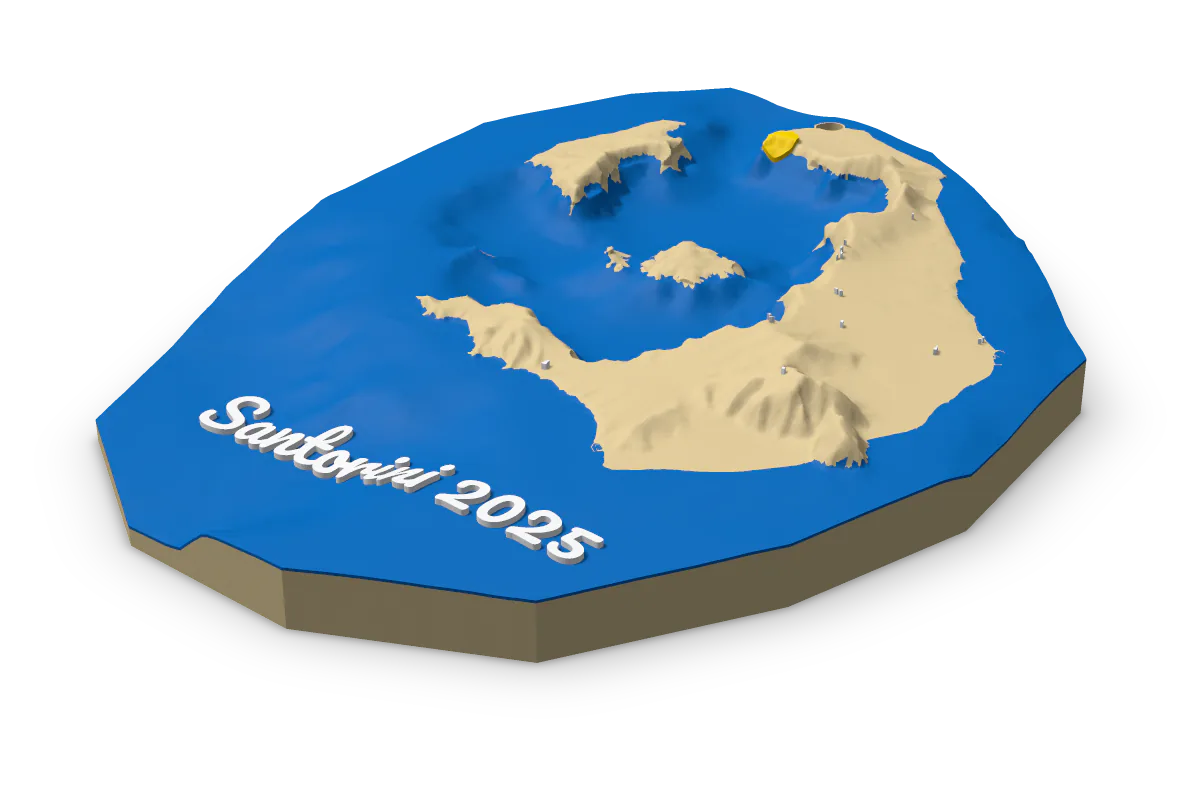
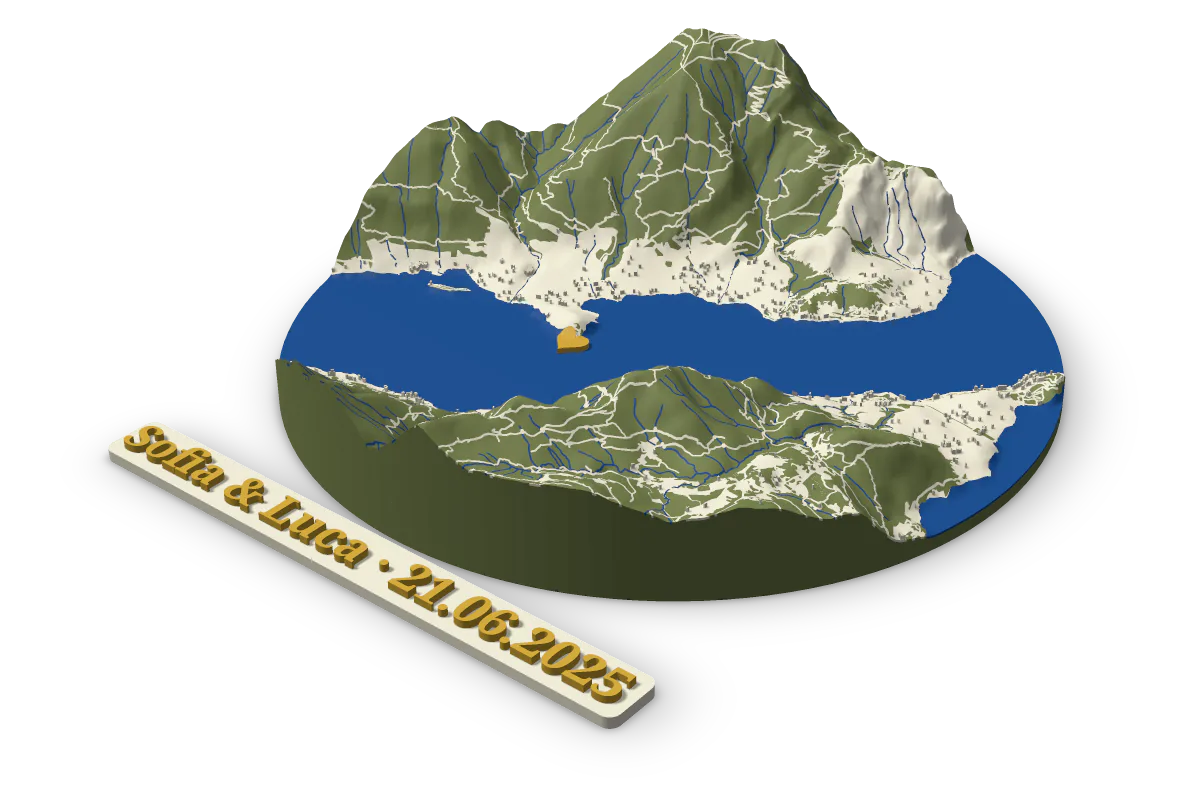
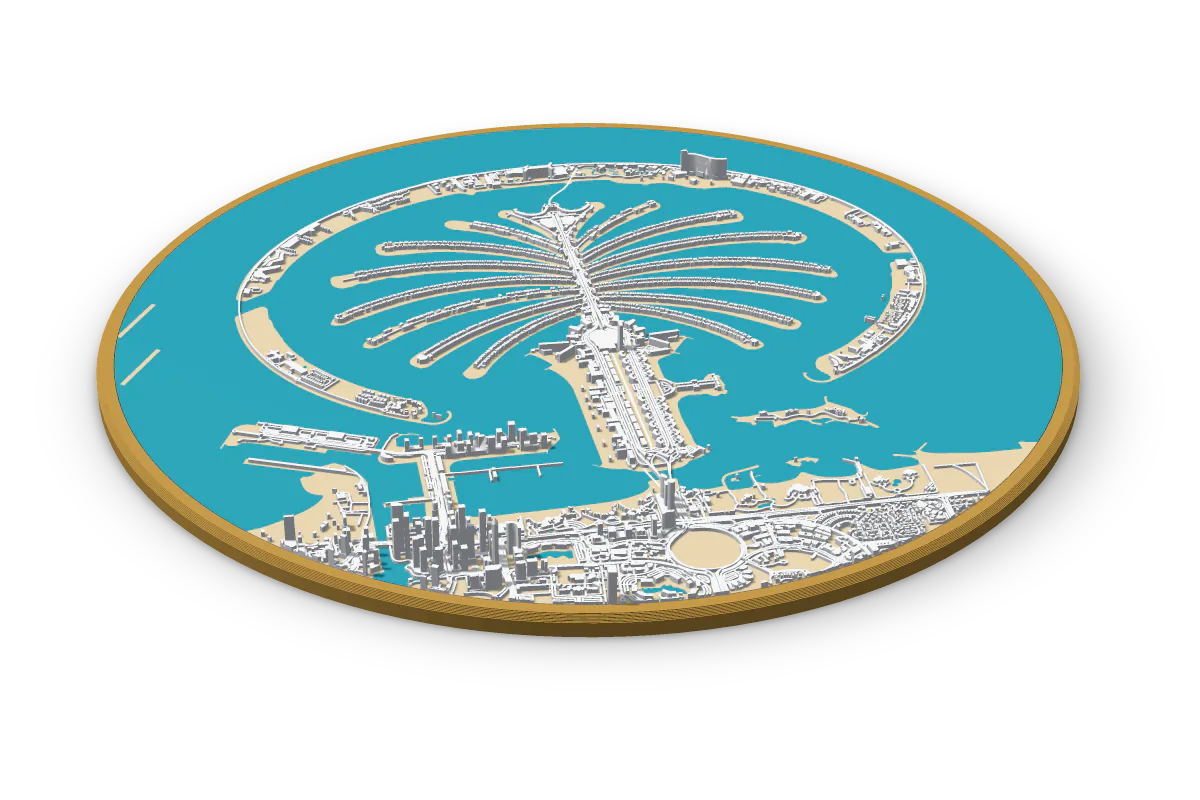
The highly optimized, purpose-built engine generates typical models in under half a second – at exactly the resolution your printer can resolve, and with real sea depths that let coasts fall away into the sea.
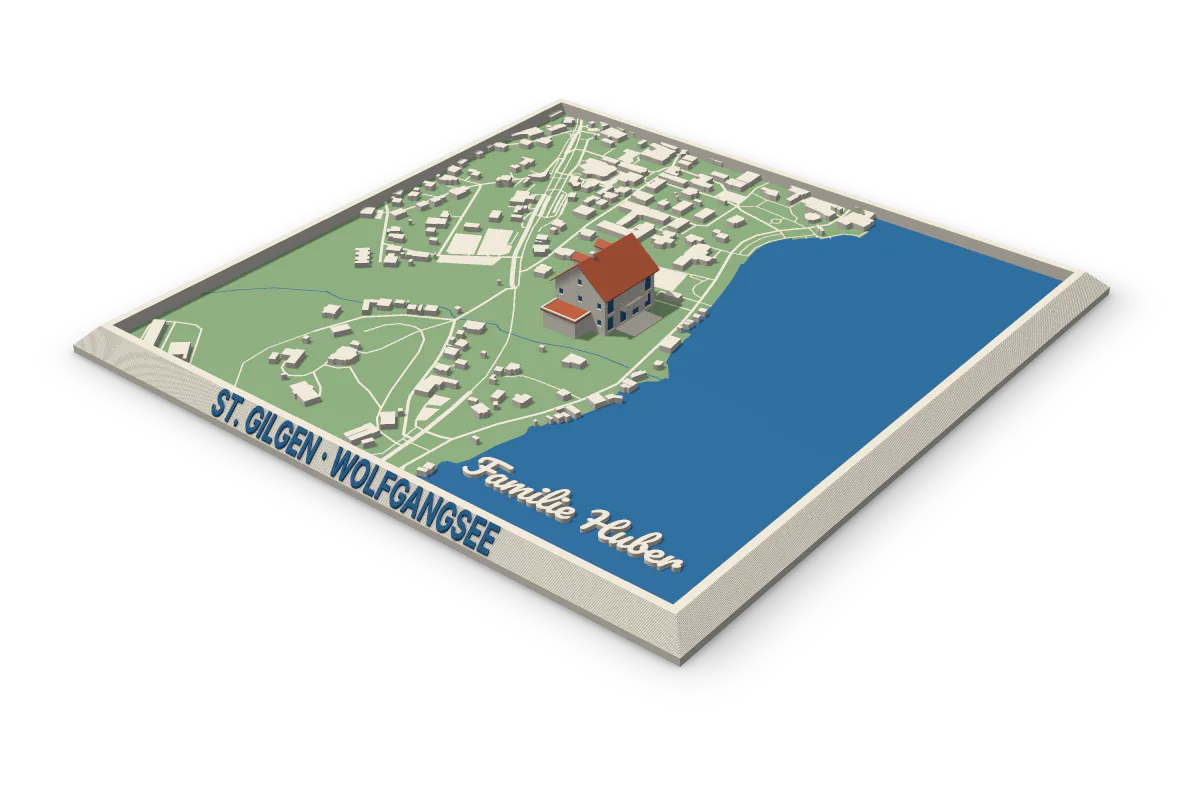
Your own house in focus
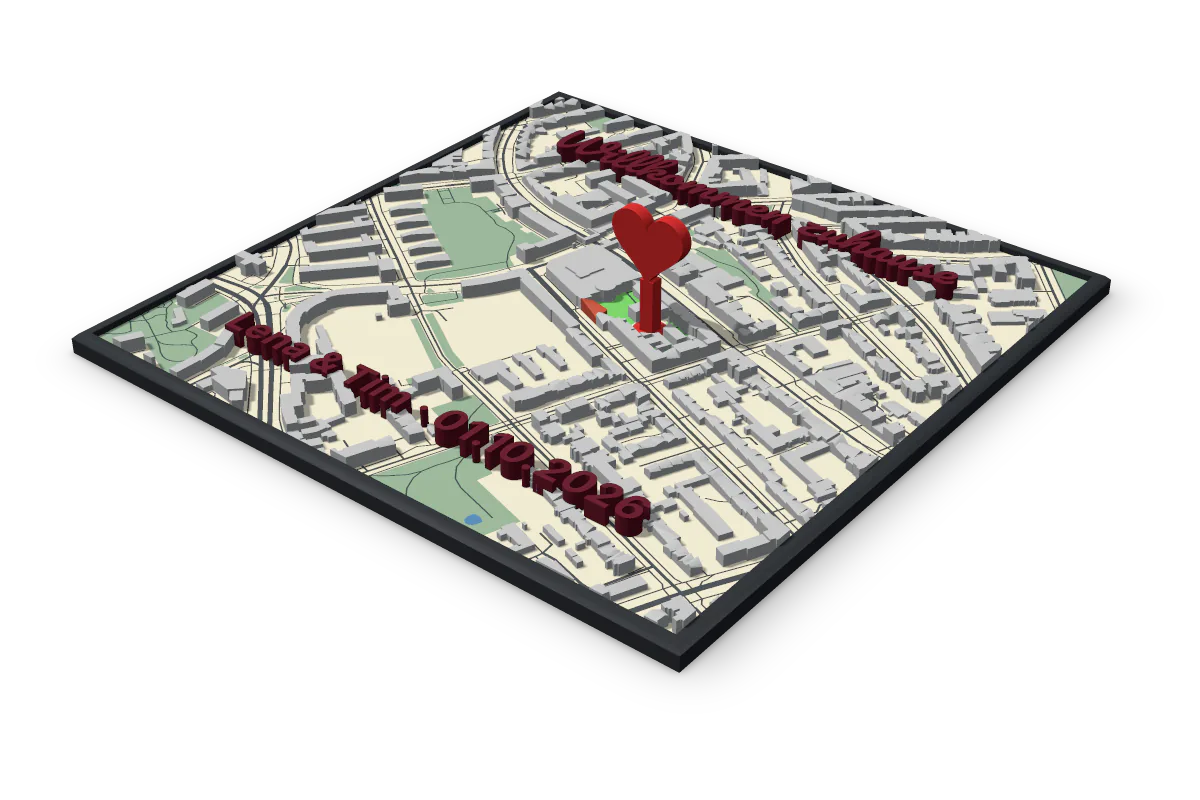
Place your own house on free ground or let it replace a building of the map, from 14 building types between a bungalow and a high-rise. Focus scaling prints your place up to 30 times larger than the map edge.
Shop solution for studios
Set up products with picture frames, guided steps, and your pricing. Your customers design it themselves through a link, with your logo and welcome text, and you manage orders and print files in one place.
Tile walls, ready to hang
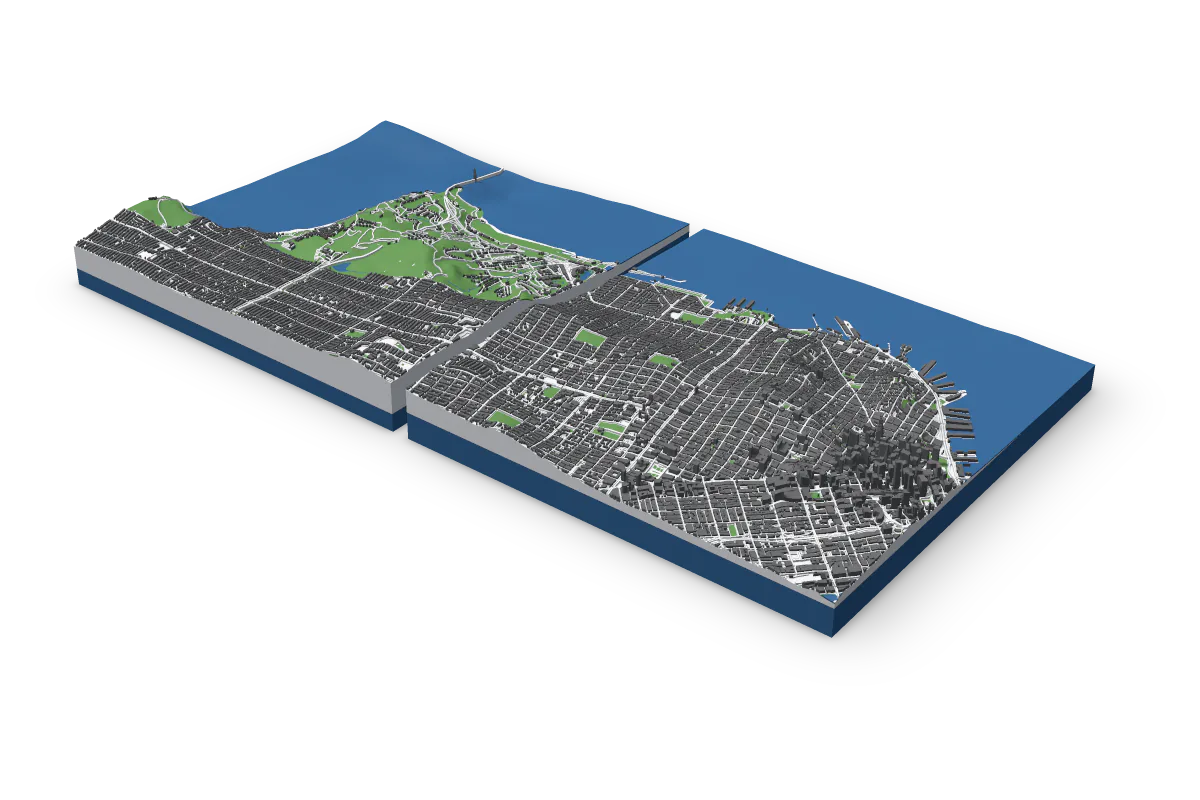
Wall pieces of up to 50 tiles, joined by support-free printable dovetail connectors, no glue needed. Wall mounting built in: a frame and hidden nail pockets on every tile if you like, placed by the centre of mass.
Colours per OSM class
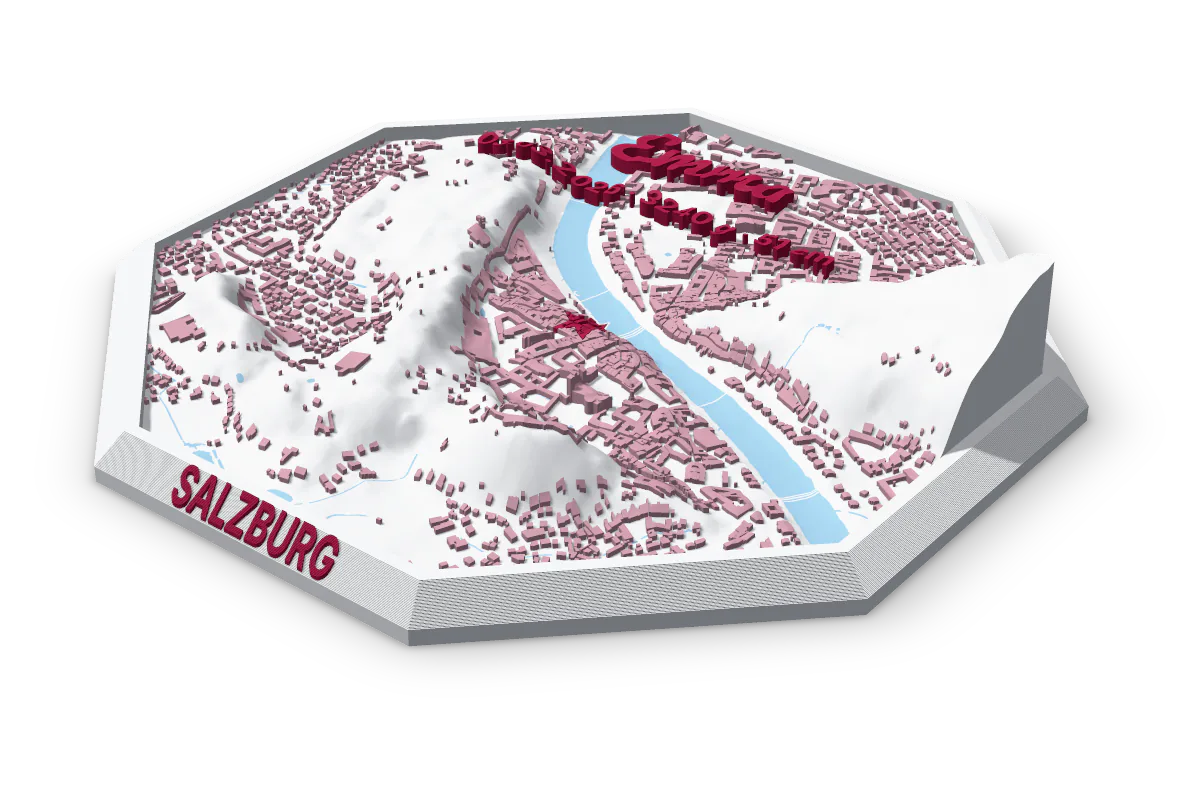
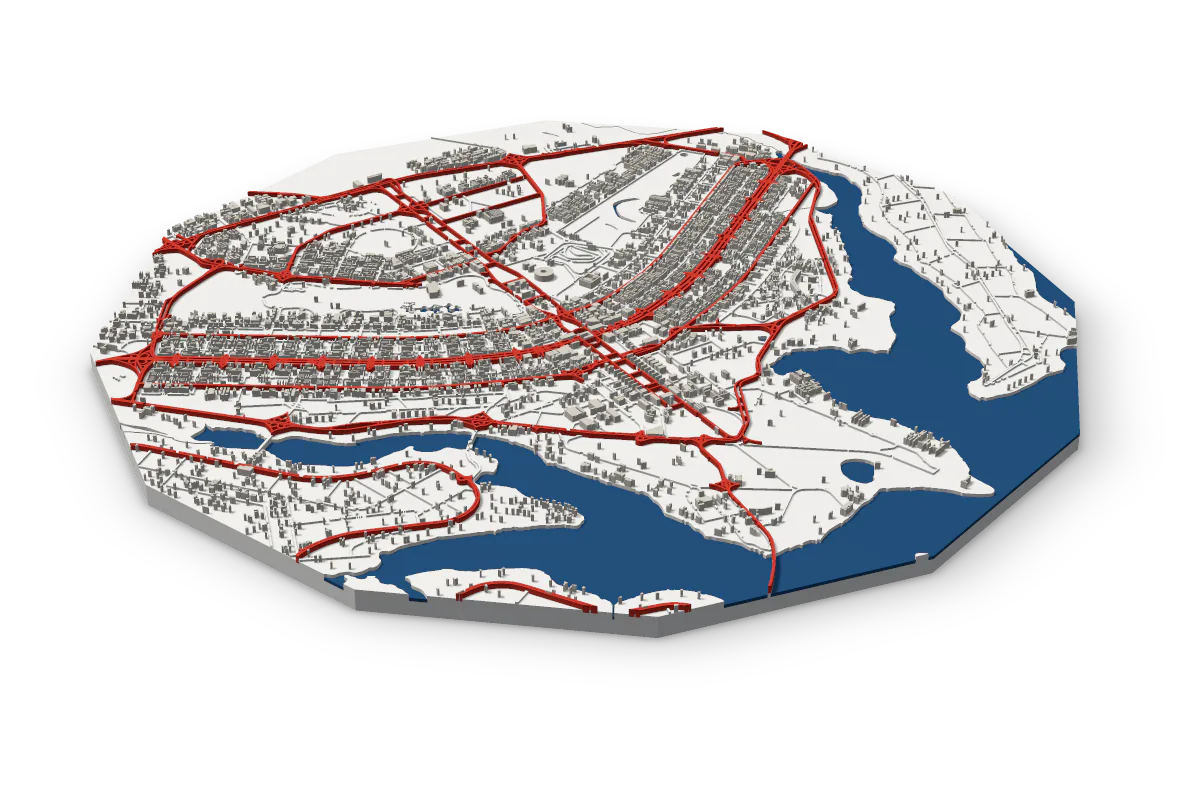
Every colour group is one filament. Each of more than 80 OSM classes, from a stream to a railway line, can get a colour group of its own, as can single buildings, texts, and the frame. STL per colour or 3MF.
Texts, shapes, and lines
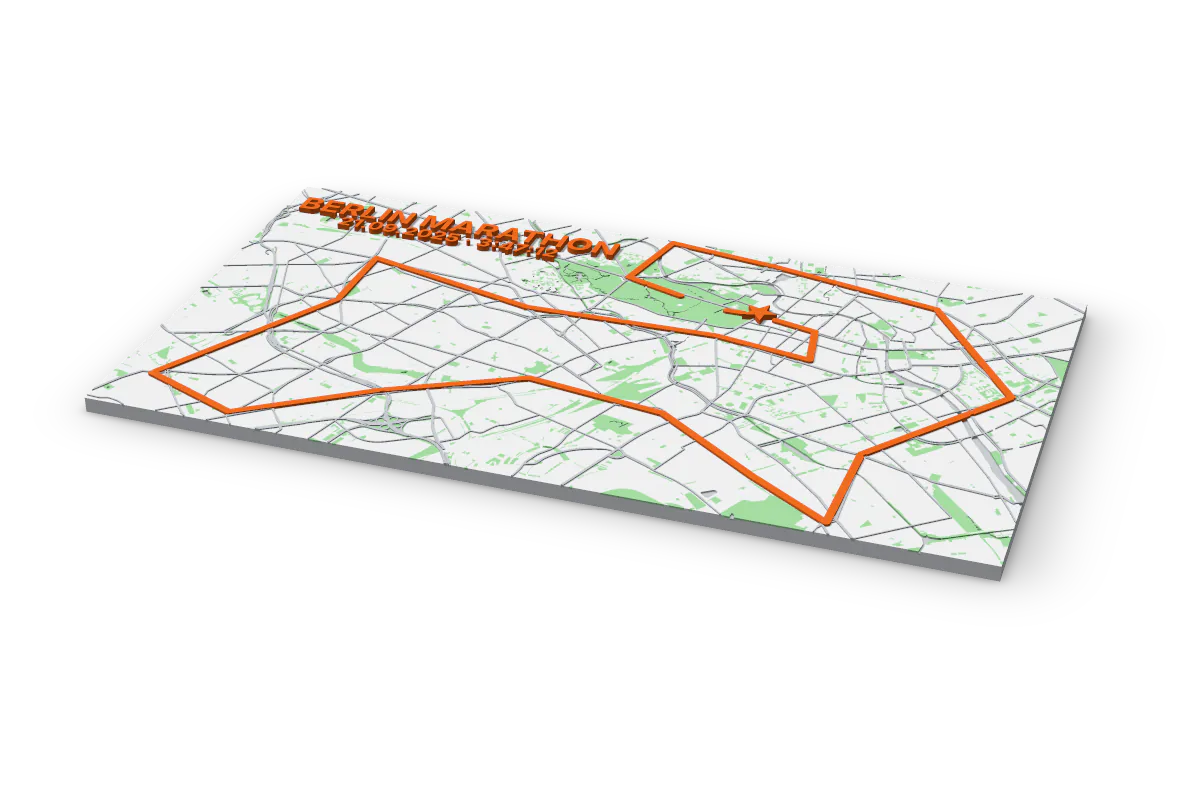
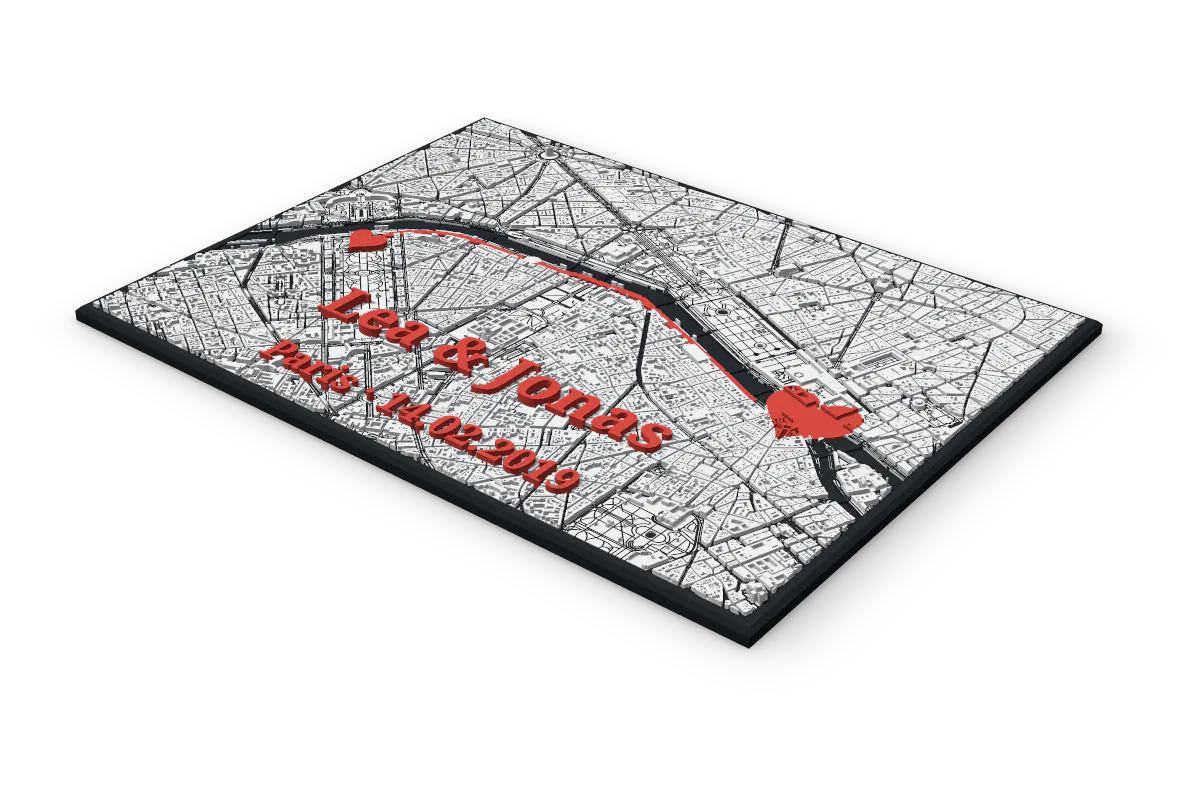
Place lettering in three typefaces, hearts, stars, and more shapes right on the map. Pick rivers, railways, and roads as coloured lines with one click, draw your own paths, or import GPX, KML, and GeoJSON routes.
Your customers design, you print
Three steps from product to print file: you set what your customers may choose, share a link, and they design and confirm on their own.
-

Set up product and frames
Decide what stays fixed and what your customer chooses: extent, filaments from your stock, texts, picture frames, and price. The server refuses every configuration outside these rules.
-

Share the customer link
Create an order and send your customer the link, no account needed on their side. With the studio API, your shop creates the order and the link in one call at checkout and sends it with the order confirmation.
-

They confirm, you print
Your customer designs in guided steps next to the live 3D preview and confirms. The confirmation freezes the design; you download checked STL, 3MF, OBJ, or GLB print files, and repeated downloads are free.
More than a map model tool
The highlights at a glance – and what would stay with you without these functions.
-
Worldwide, with sea depths
NeuronForm: Any place with OpenStreetMap data; coasts fall away into the sea.
Without this function: Selected regions only, and the sea stays flat.
-
Ready in under a second
NeuronForm: The server delivers a typical model in under half a second.
Without this function: Load raw data and process it on your own computer.
-
Roofs, windows, and trees
NeuronForm: True-to-scale details in eleven regional facade styles.
Without this function: Print plain blocks or model the details in CAD.
-
Your own house, focus scaling
NeuronForm: Your house in the map, your place up to 30 times larger.
Without this function: Model it in CAD and fit it in.
-
Multi-colour out of the box
NeuronForm: Colour groups down to the OSM class, 3MF with named colours.
Without this function: Paint the faces one by one in the slicer.
-
Checked print files
NeuronForm: Every file passes the watertight geometry check before delivery.
Without this function: Hunt for holes in the slicer and repair the mesh.
Design map models right in the chat
Connect Claude, ChatGPT, or any other assistant with MCP support to NeuronForm – free of charge, without an account, and set up in about a minute. Then one sentence is enough.
“Use NeuronForm at
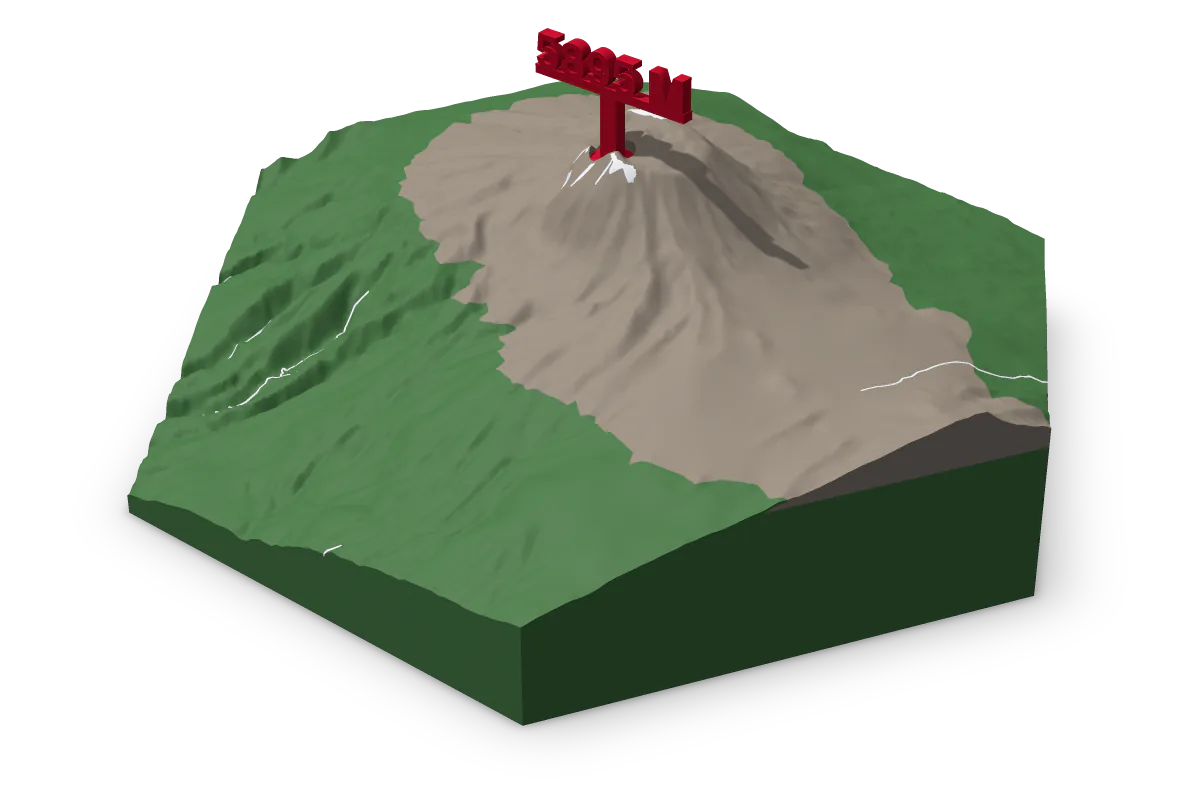
https://neuronform.com/mcpto create a 3 km wide hexagonal relief model of Hallstatt with 1.5-fold exaggeration, show it to me in 3D, and give me the link to the configurator.”

Our mission
Making map models accessible to everyone.
Anyone who wants to hold a place in their hands as a model should not have to learn CAD for it. And anyone who sells map models should be able to give their customers a storefront that does the product justice.
- Open and free to start. The configurator is open to everyone: design without an account, see the 3D preview free of charge, and open gallery templates directly.
- Modern and fast, without a mountain of data in the browser. The configurator does not load all OpenStreetMap data onto your computer. The server processes it, highly optimized, and sends only the finished model.
- A better storefront for shops. Studios give their customers a configurator of their own with logo, rules, and guided steps instead of email back-and-forth.
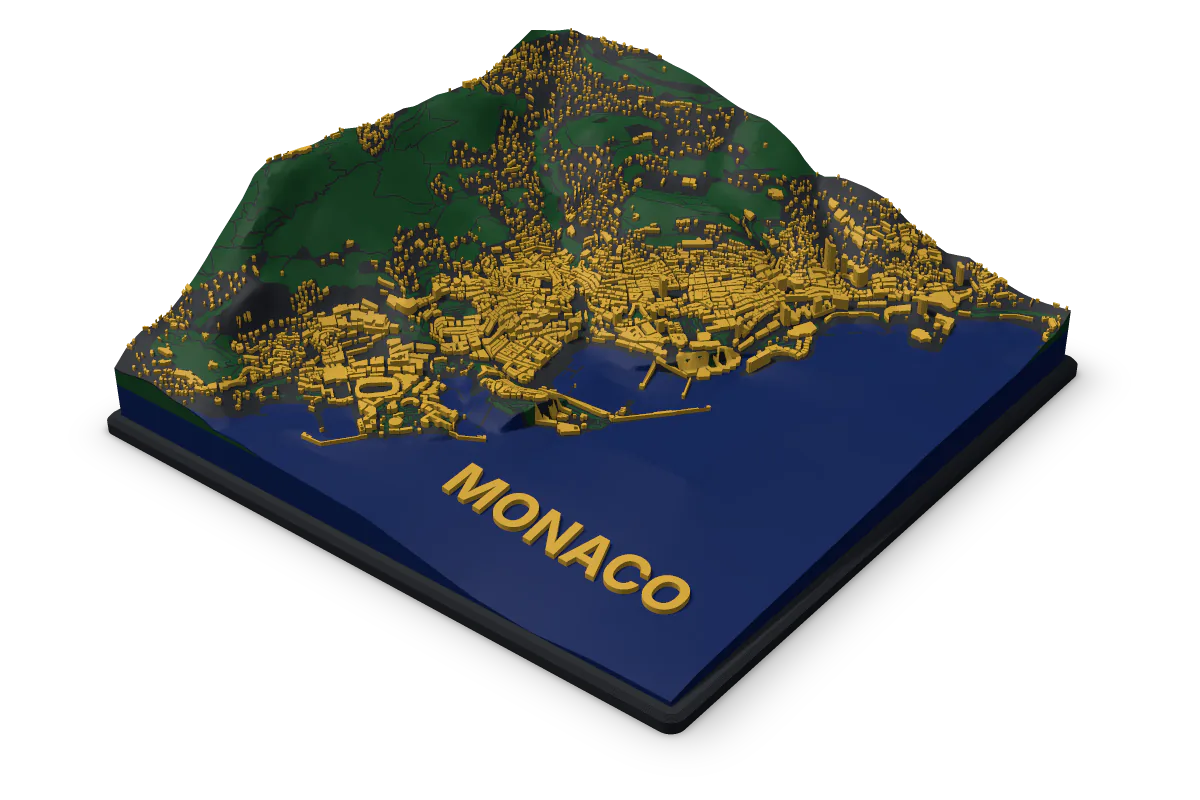
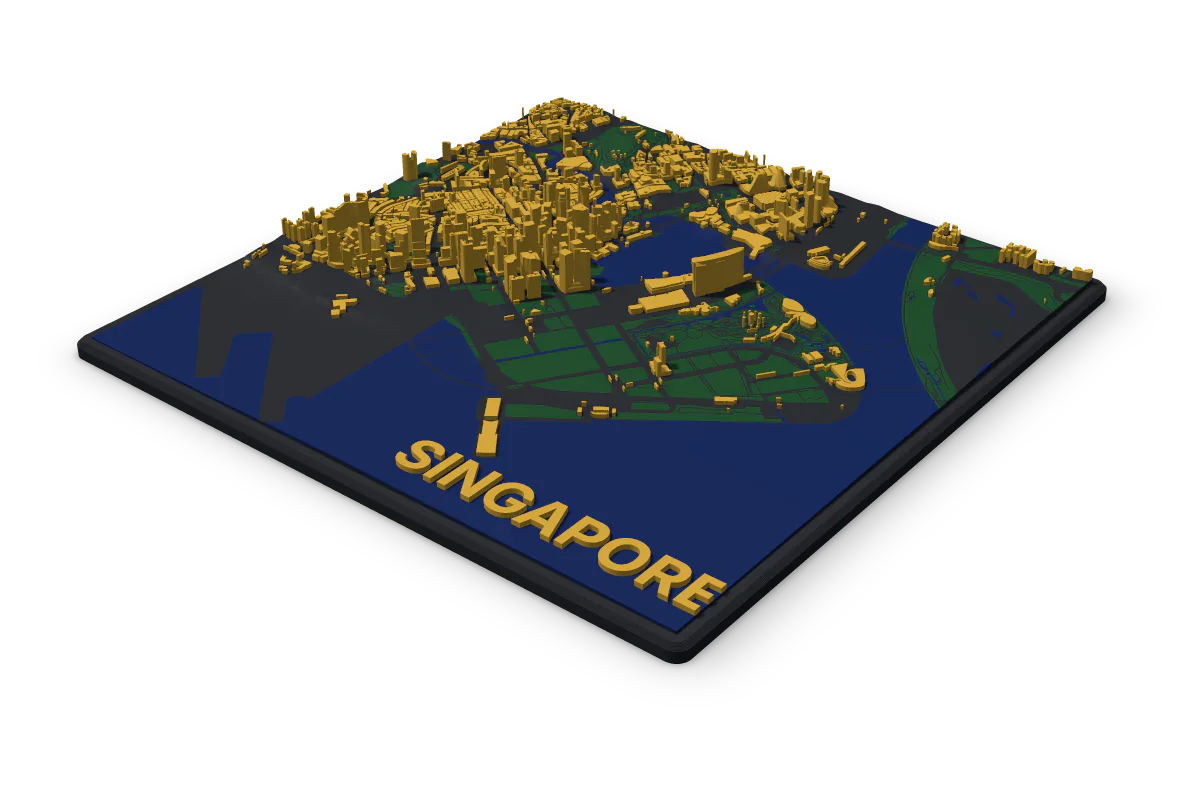
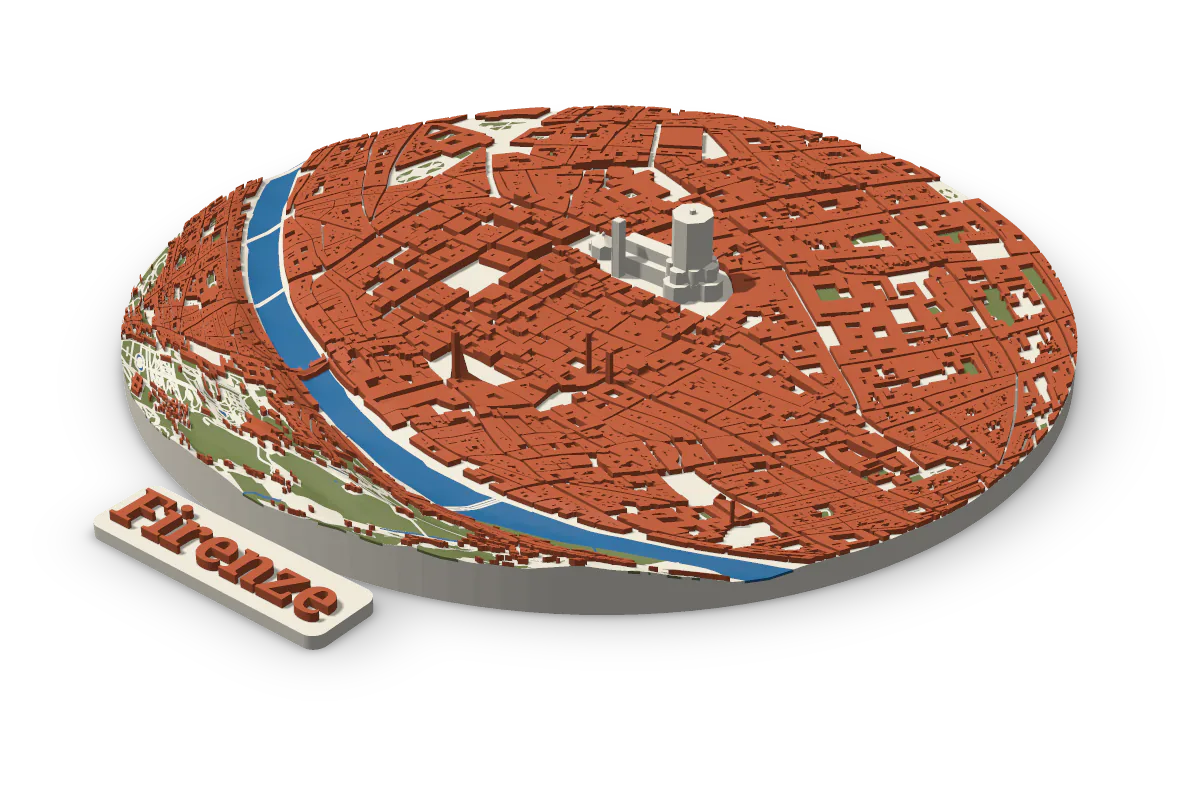
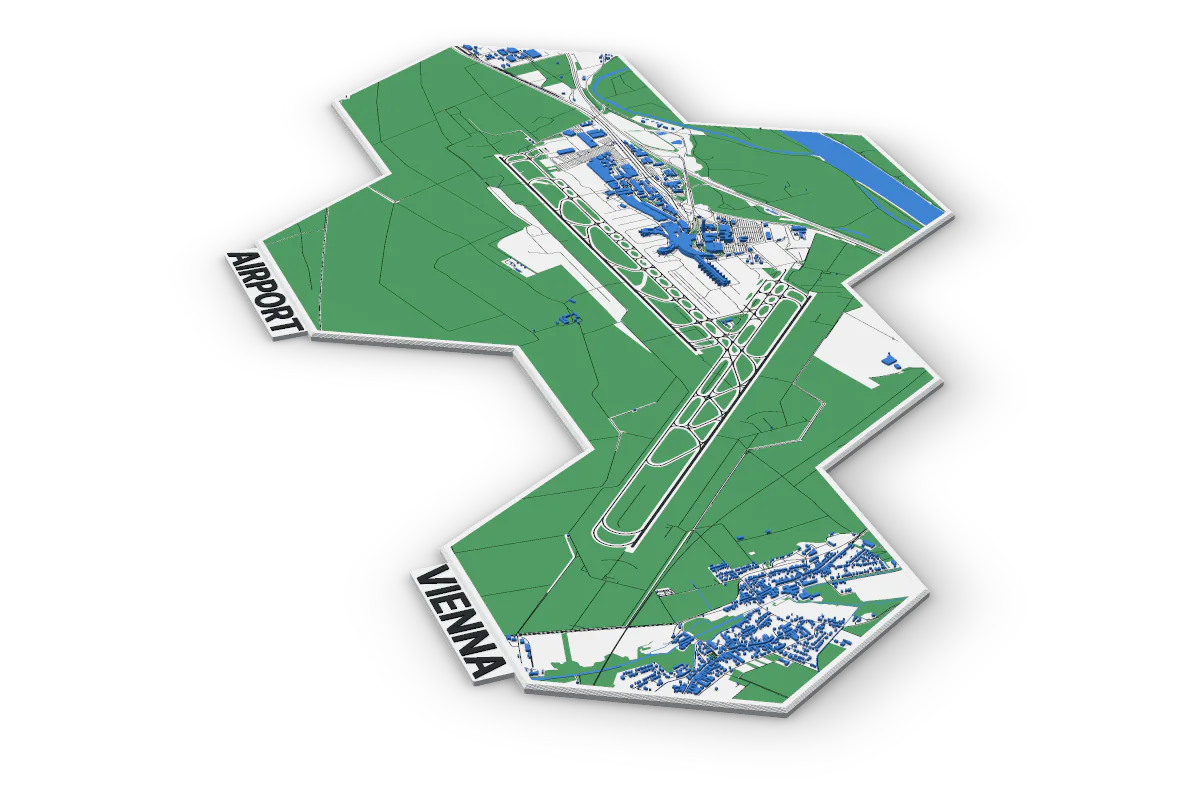
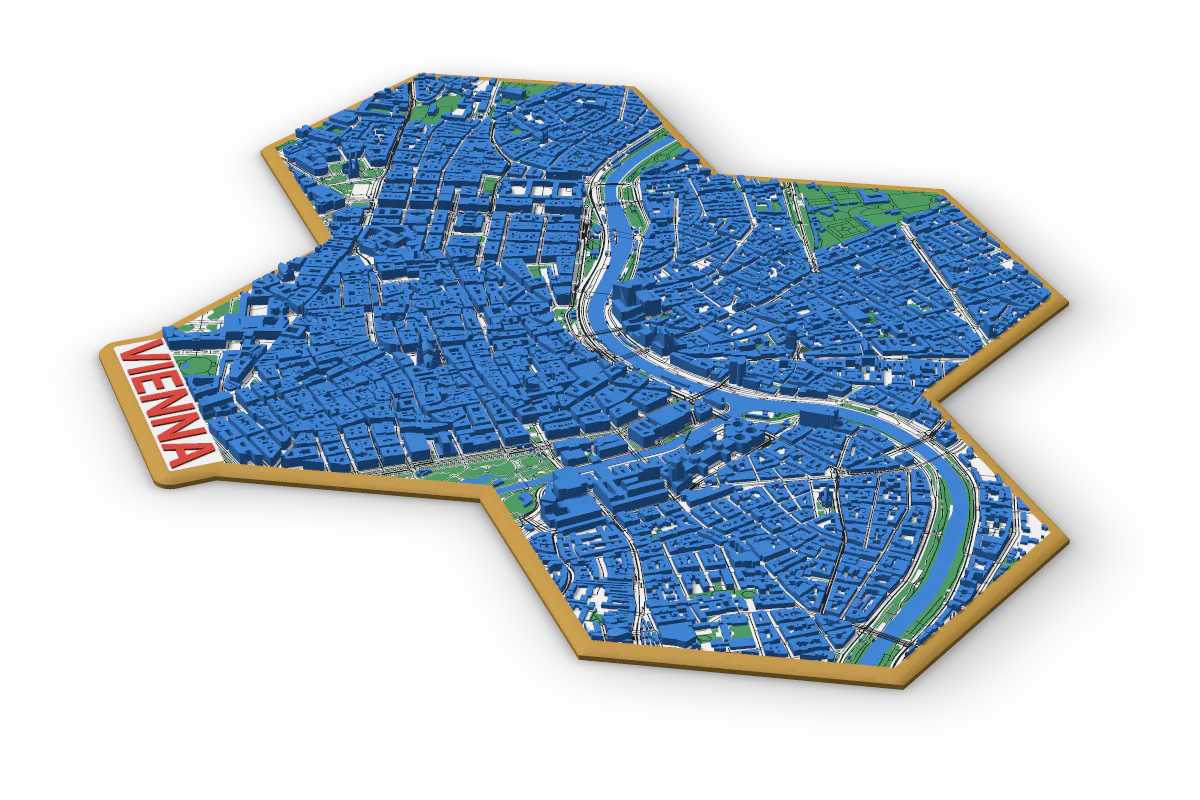
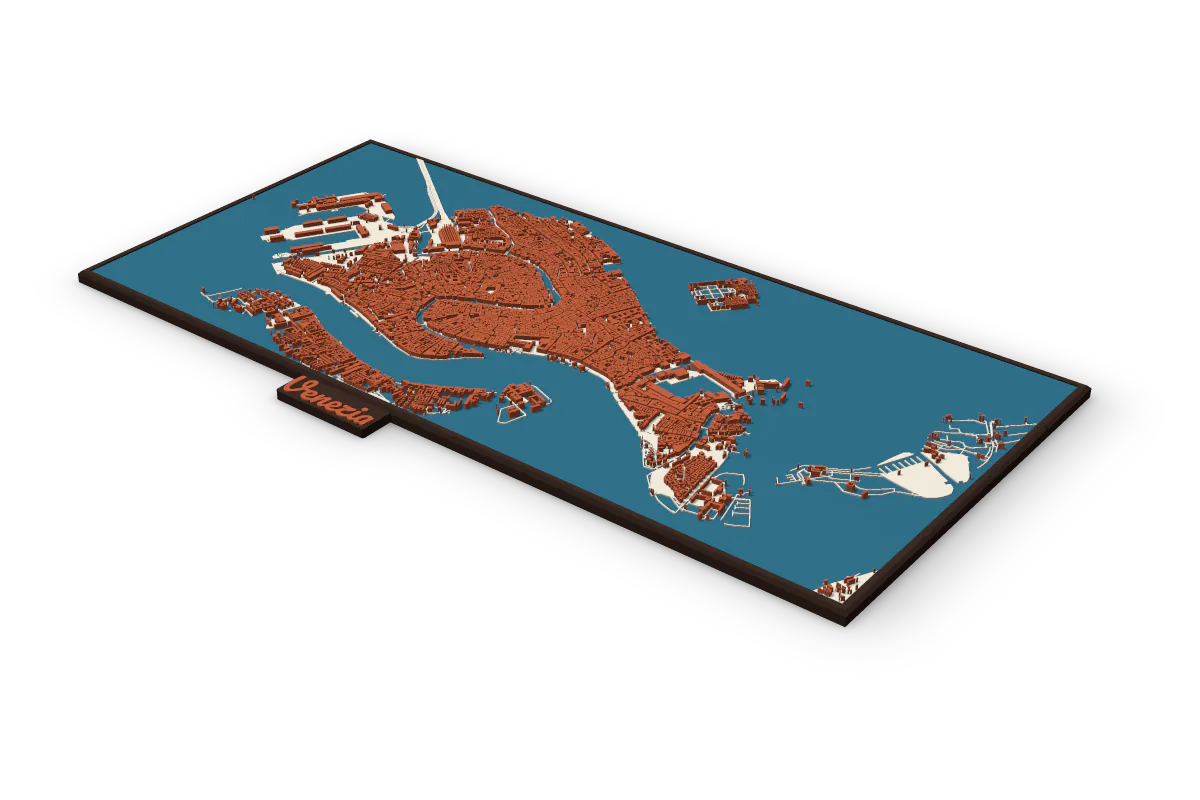
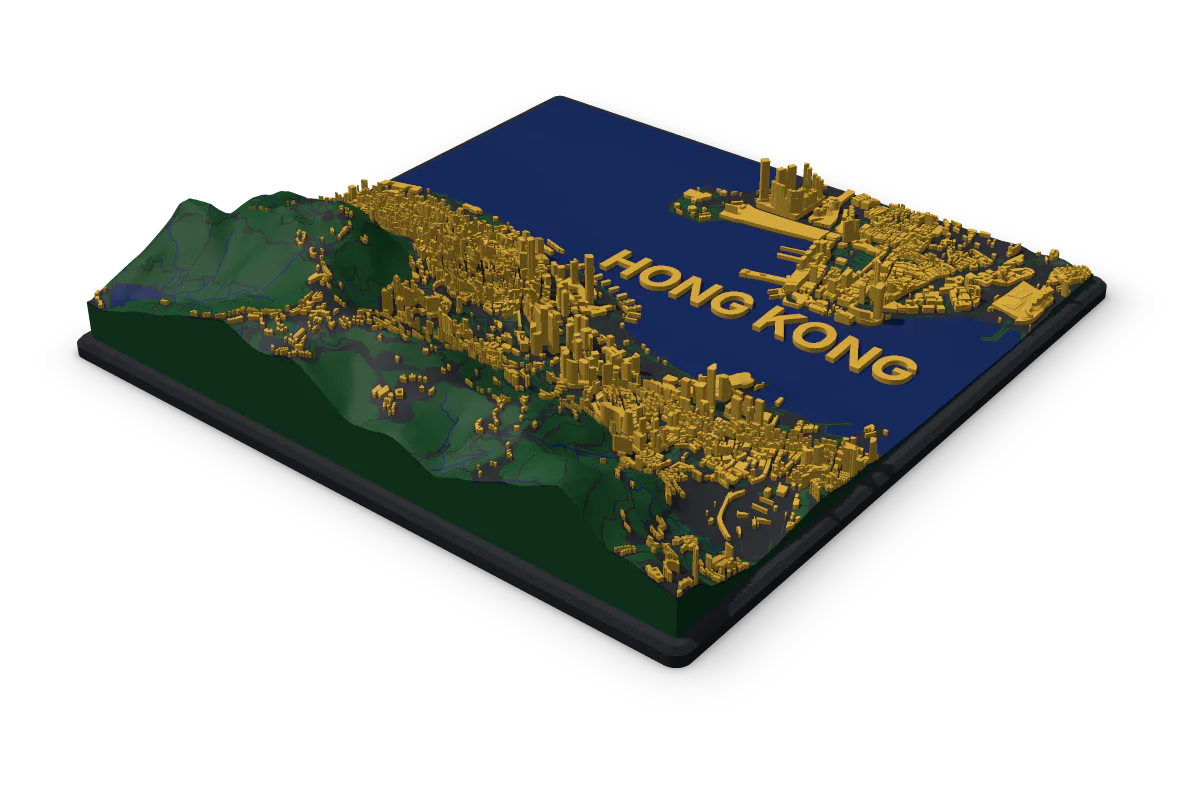
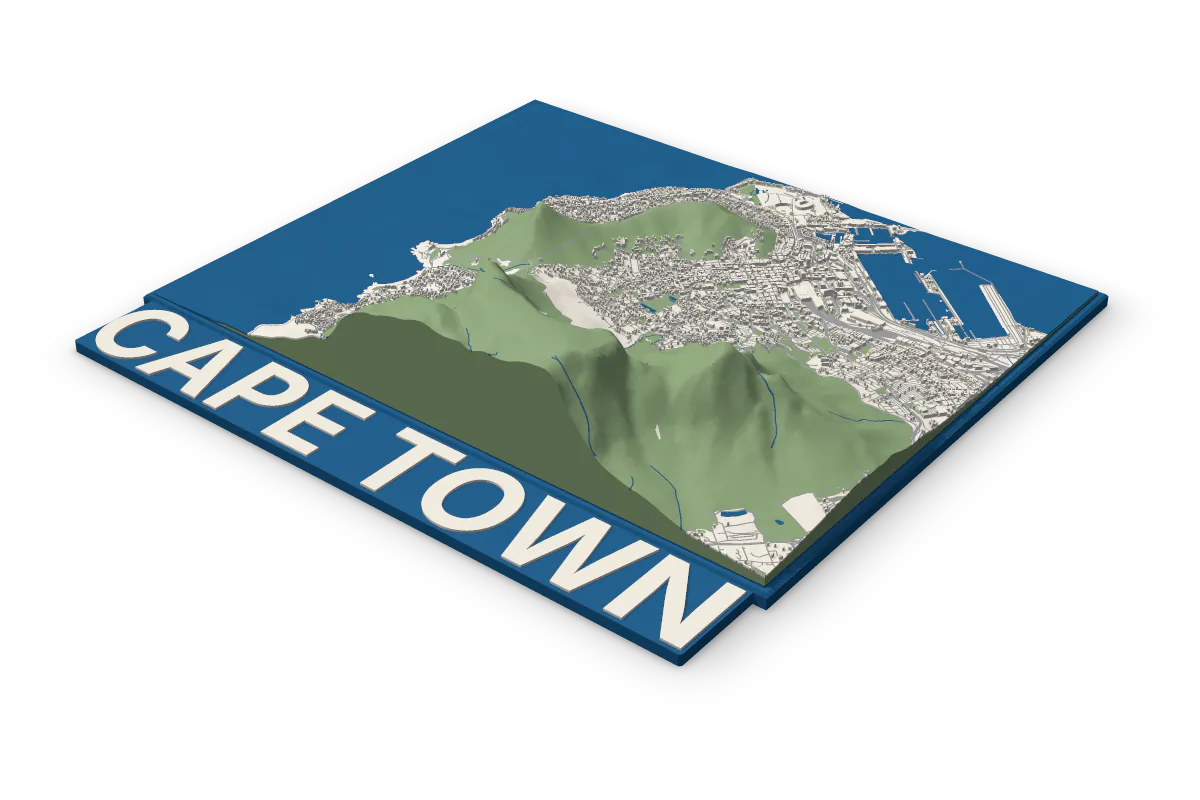
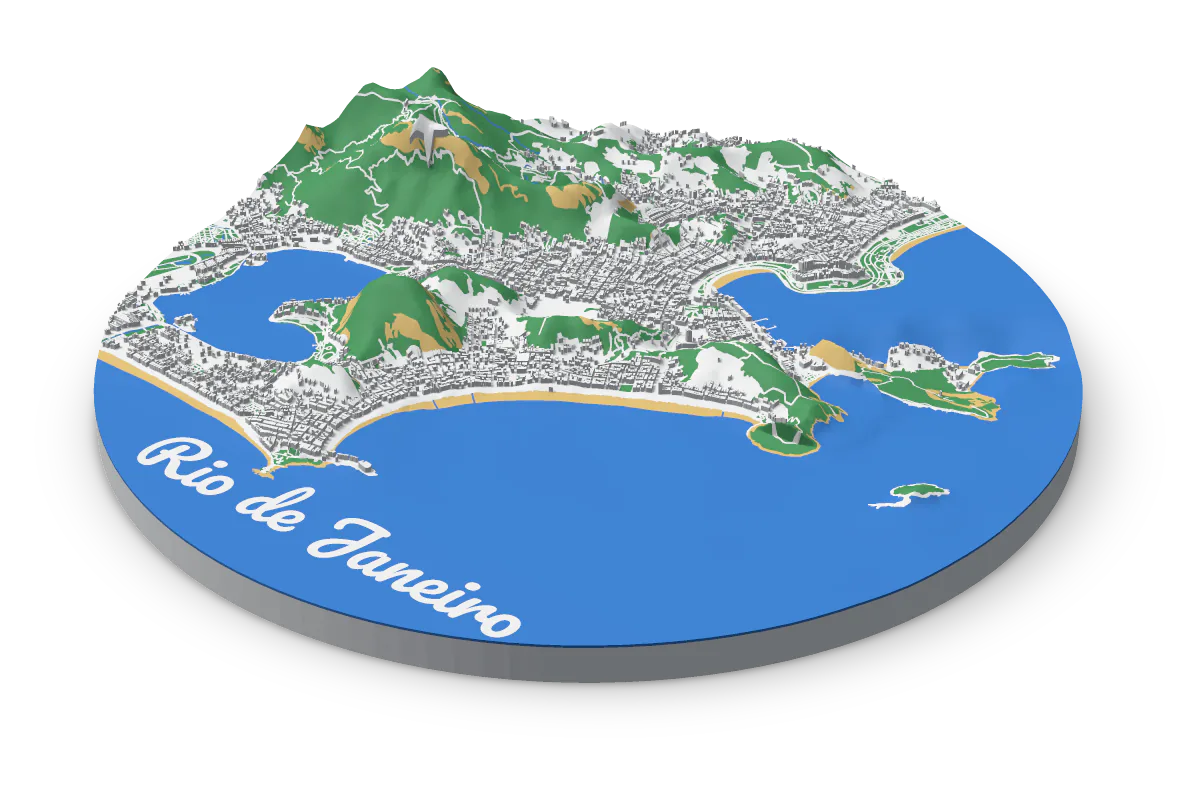
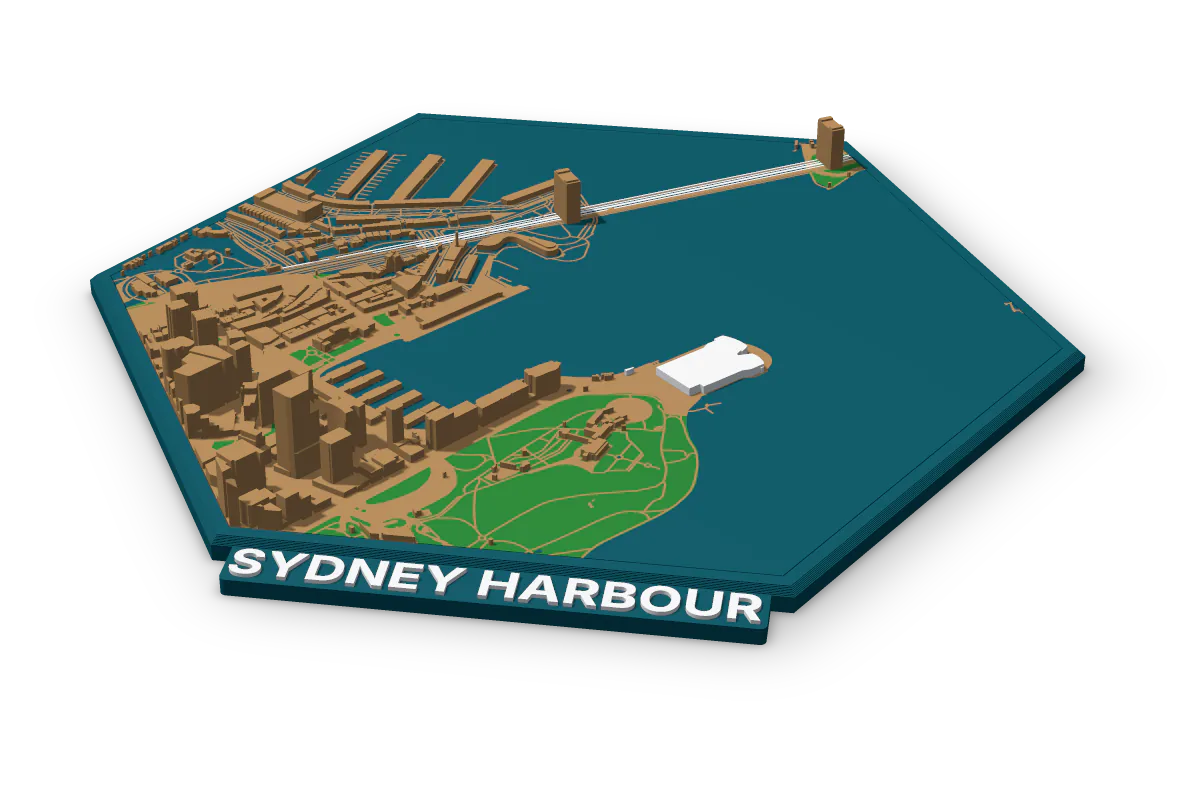
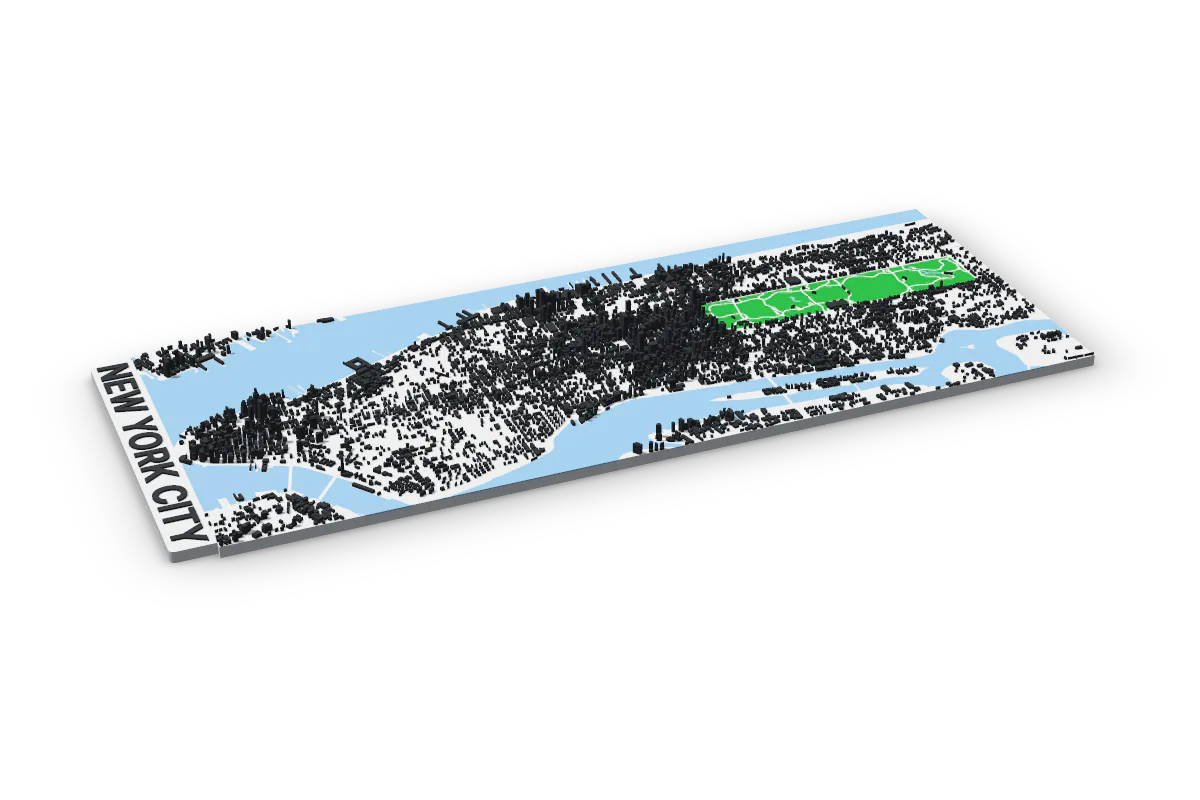
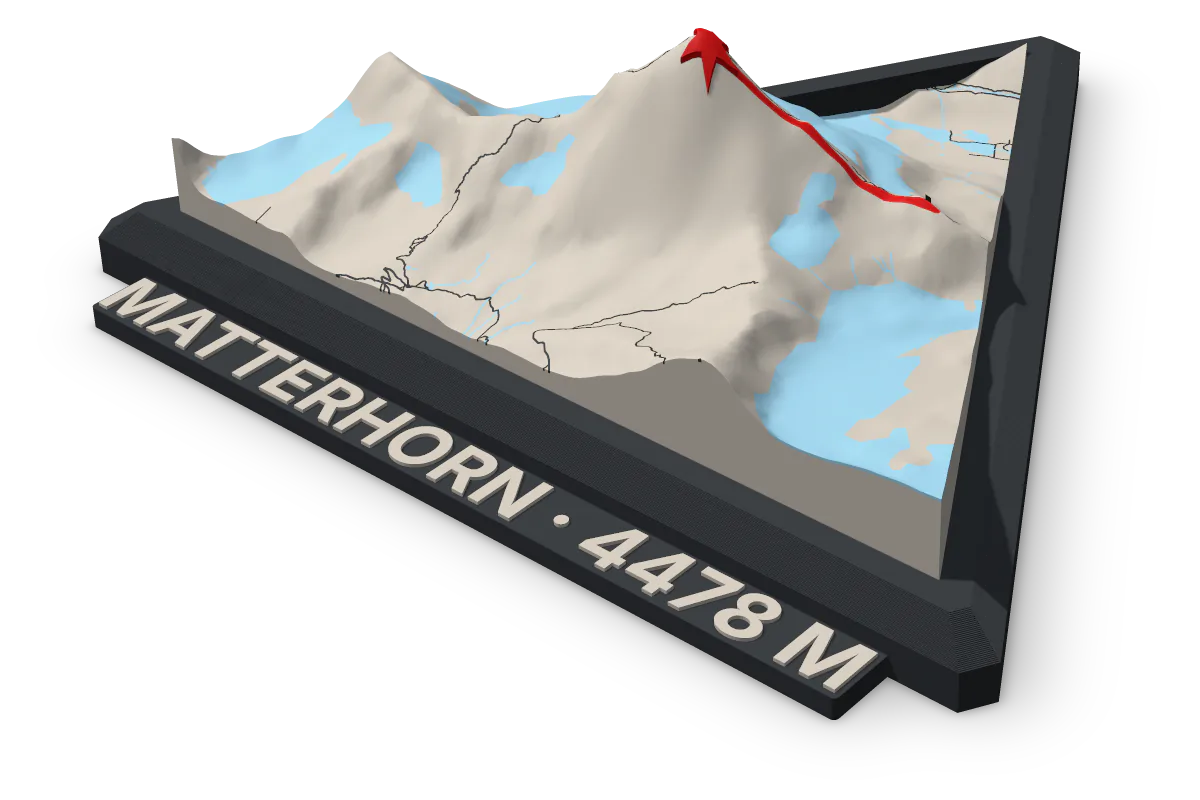
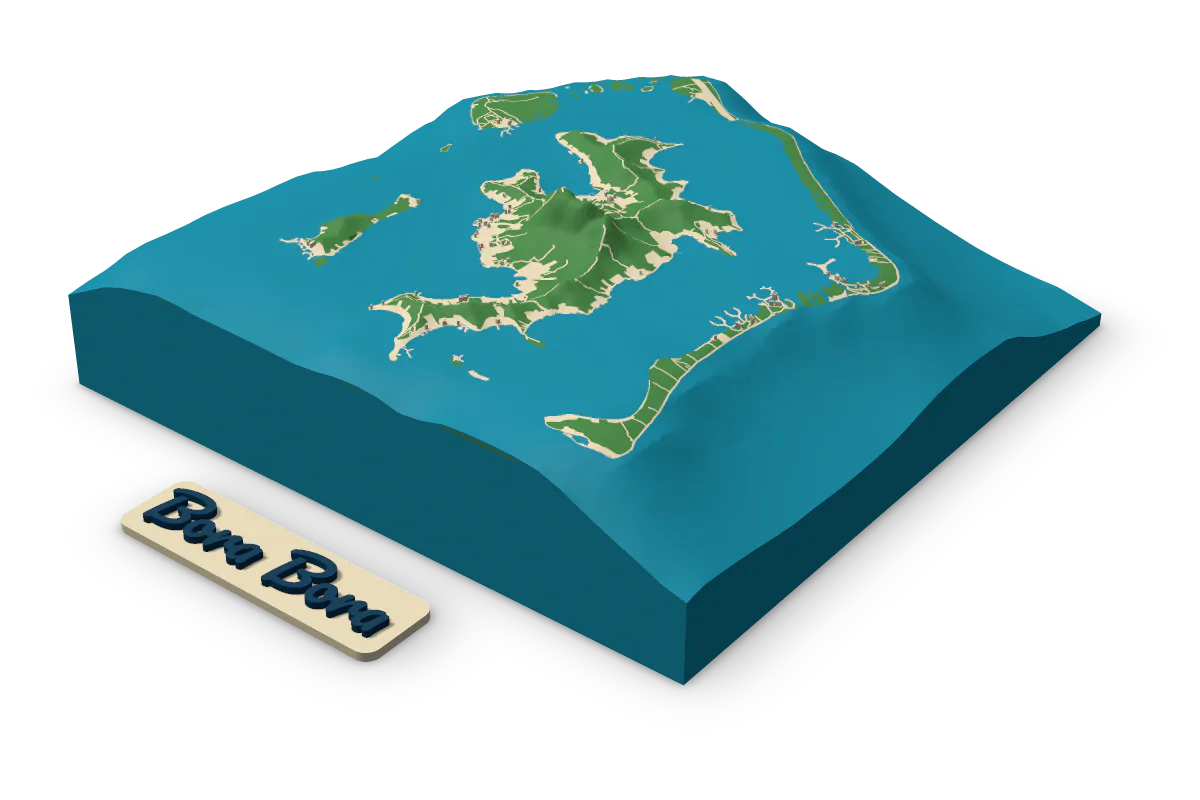
Finished maps, ready to print.
Curated configurations as the starting point for your own model, large wall layouts beyond the free limits included – in the configurator without an account, as watermarked downloads with a free account.
-
-
-
-
-
-
-
-
-
-
-
-
-
-
-
-
-
-
-
-
-
-
-
-


Ready for your first model?
The configurator runs in the browser and costs nothing to try – a free account includes one watermarked export per day.